Vologi


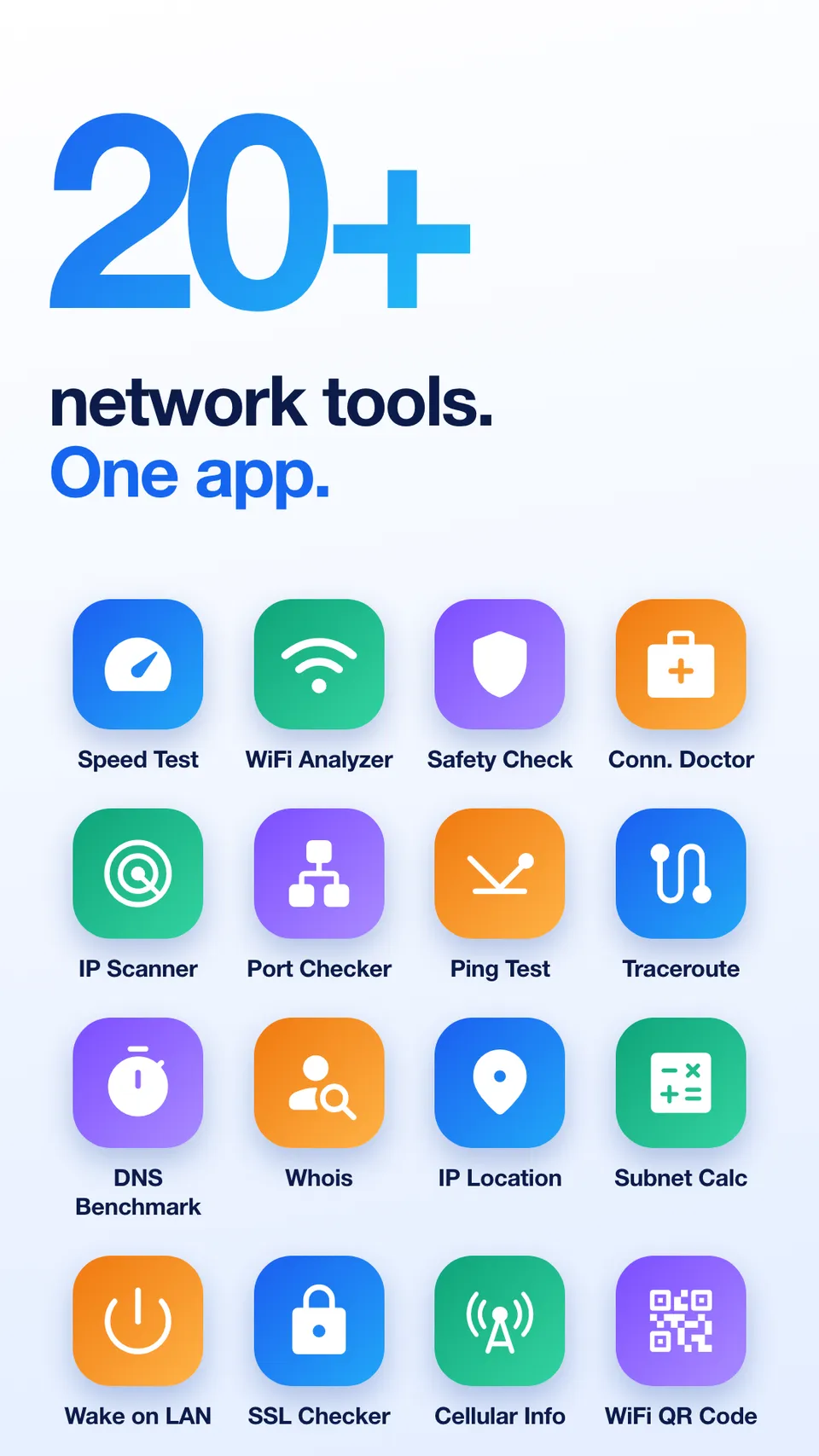
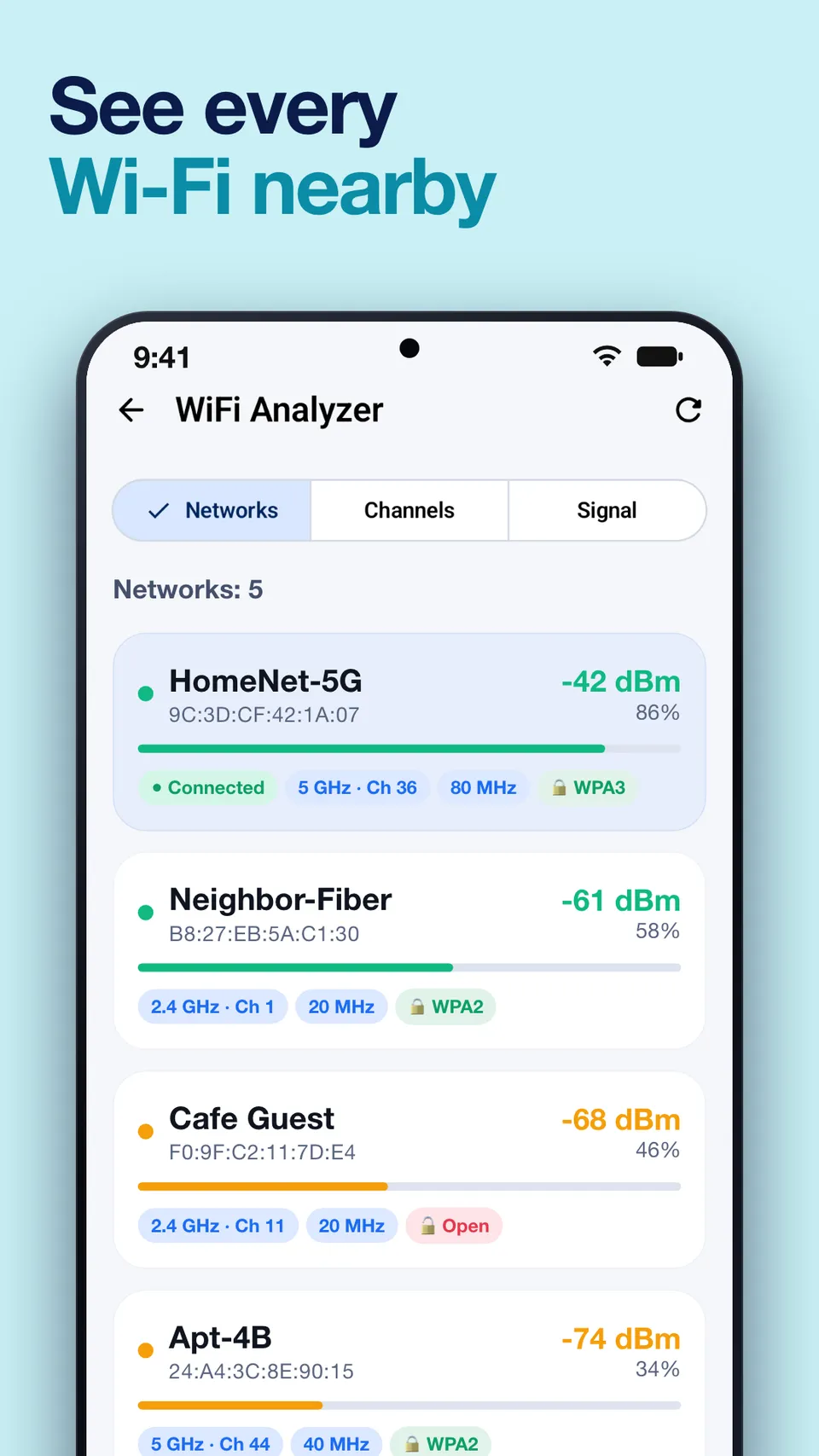
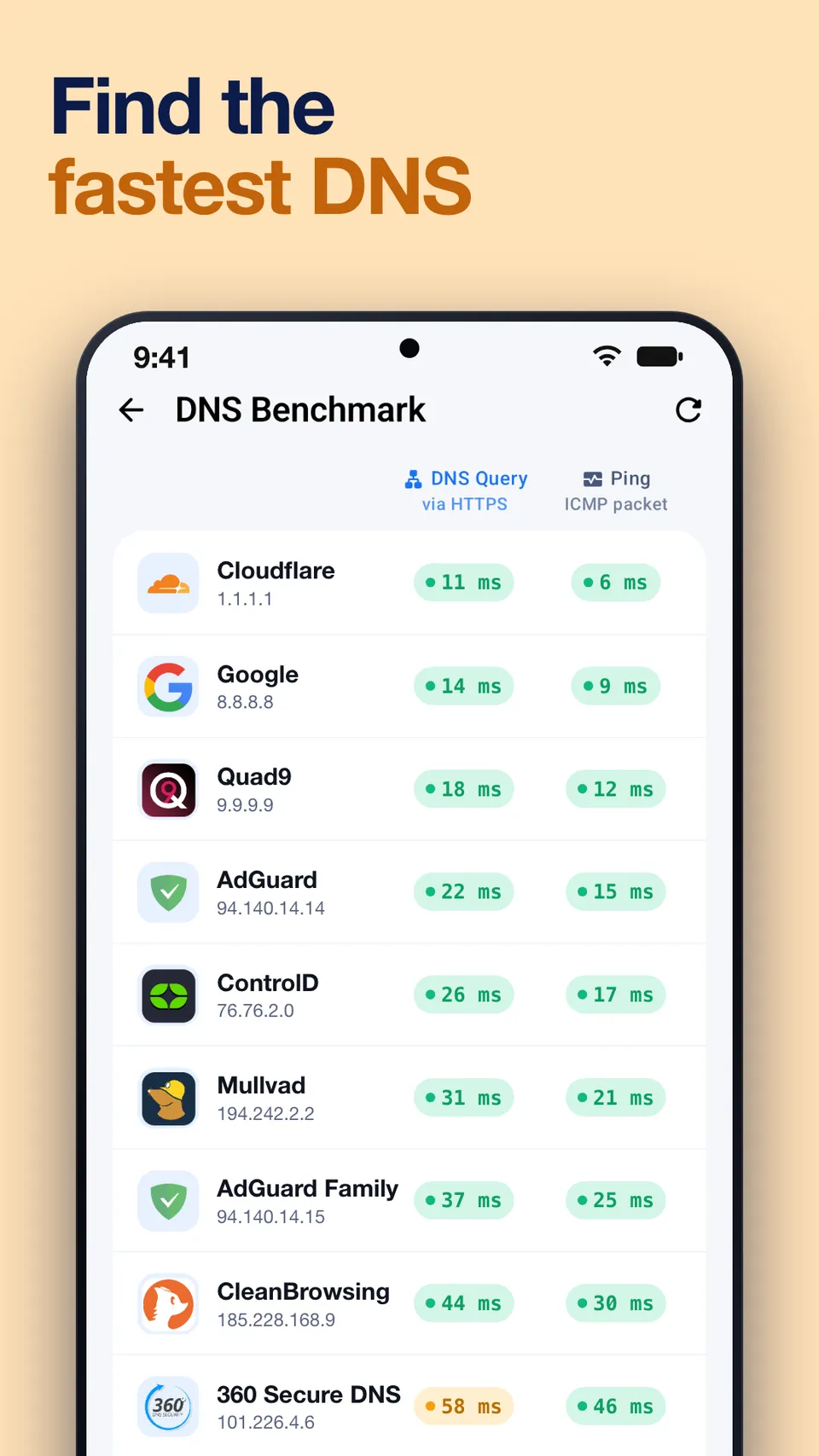
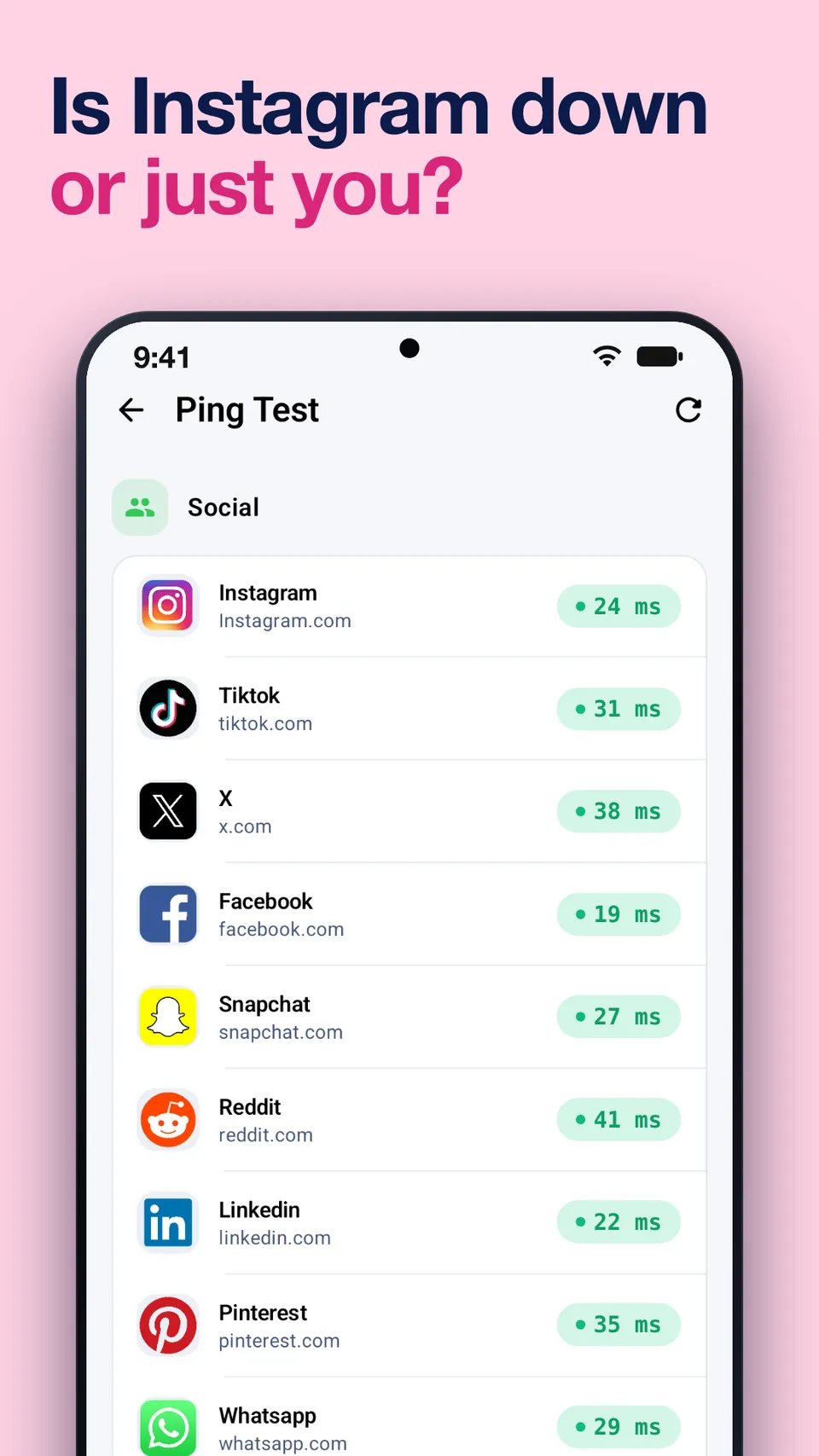
NetScan is a small, fast and free network scanner and WiFi analyzer. It monitors real-time internet speed, runs a built-in speed test, tracks data usage with bandwidth alerts, and scans your network to identify connected devices. Ping, DNS resolver and subnet calculator tools are included for advanced users, and it supports 3G, 4G, 5G, LTE and Wi-Fi.
What is NetScan?
NetScan is a small, fast and free network scanner and WiFi analyzer for iPhone and Android. It shows how fast your connection is, how much data you use and which devices are connected to your network, and it includes diagnostic tools that network administrators and curious users rely on. It works over 3G, 4G, 5G, LTE and Wi-Fi.
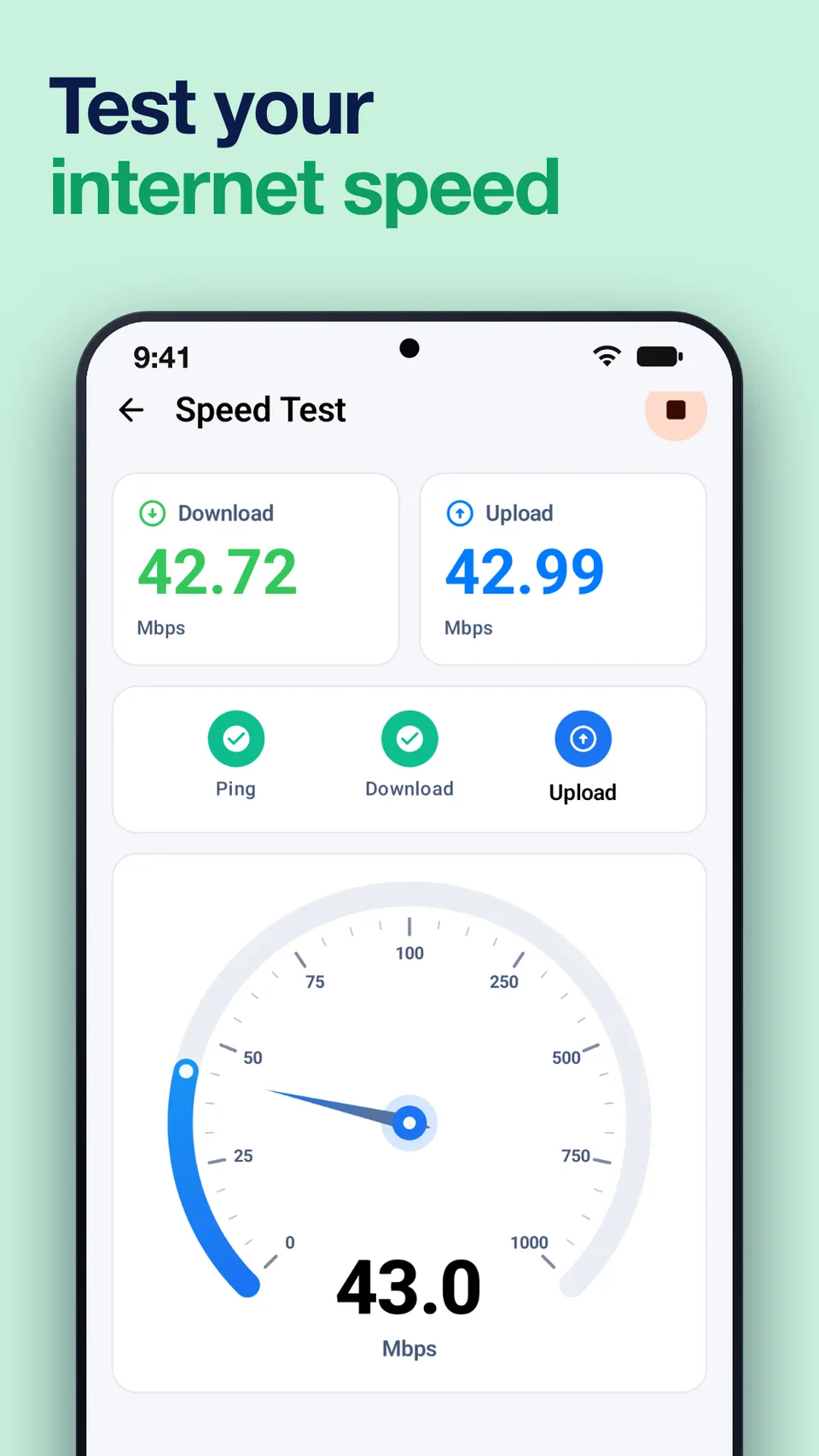
Internet speed test and real-time monitoring
NetScan monitors your internet speed in real time and includes a built-in speed test. Run a test when video starts buffering or a call breaks up, and you will know whether the problem is your connection.
Data usage tracking with alerts
Mobile plans often come with limits. NetScan tracks your data usage and can alert you about bandwidth use, so you see when you are getting close to a limit instead of finding out from your bill.
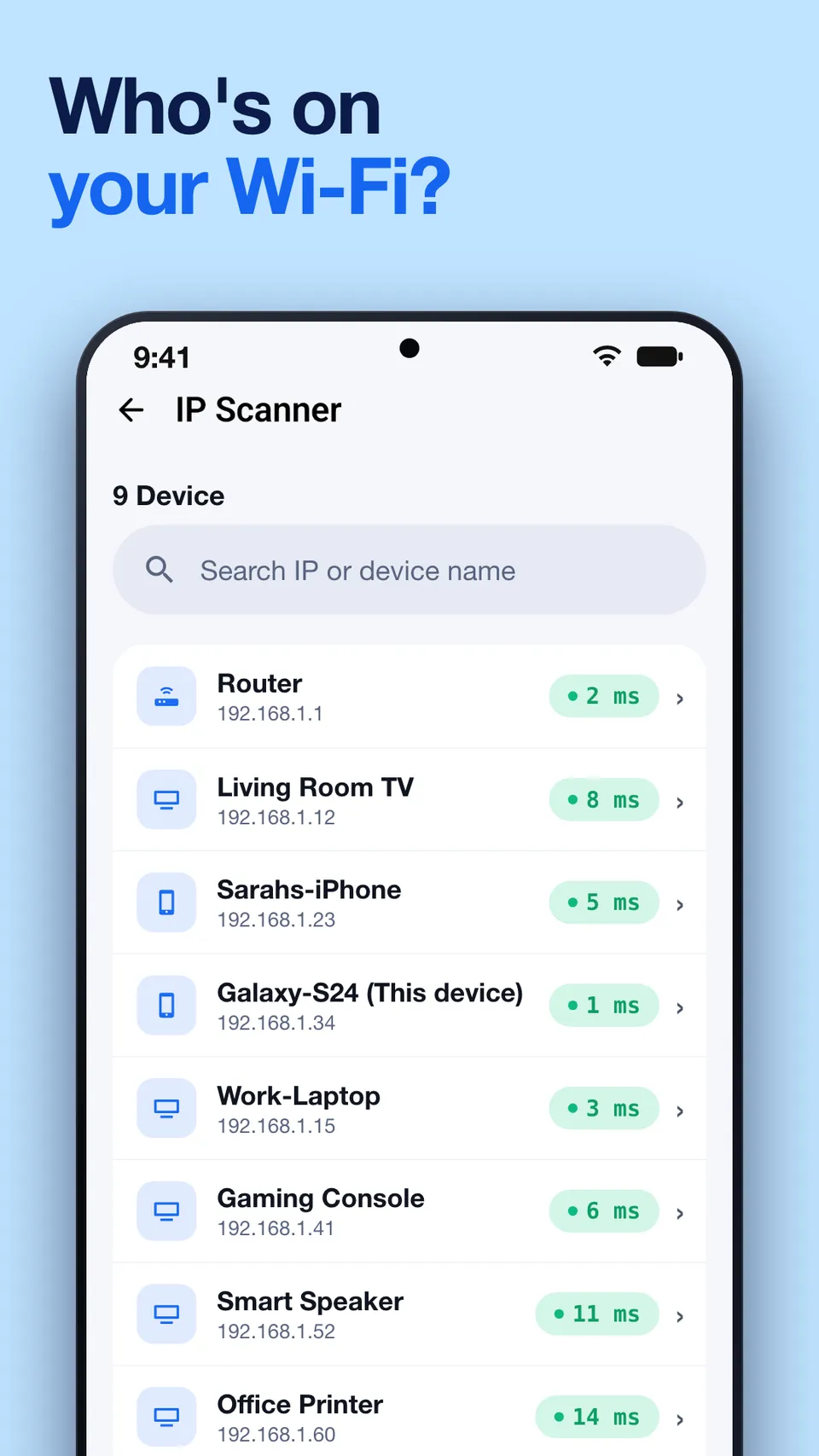
IP scanner: see who is on your network
The IP scanner and network scanner detect the devices connected to your network. It is a simple way to check which phones, computers and smart home devices are on your Wi-Fi, spot a device you do not recognize, or find the address of a printer or router.
WiFi analyzer
The WiFi analyzer shows signal strength and network information, which helps when you are choosing where to place a router or figuring out why one room has a weak signal.
Tools for advanced users
- Ping to test latency to a host
- DNS resolver to look up domain names
- Subnet calculator for planning and checking IP ranges
Who NetScan is for
NetScan suits home users who want to understand their Wi-Fi and data usage, and IT professionals who need quick network diagnostics on their phone. It is available on the App Store and on Google Play.