Vologi

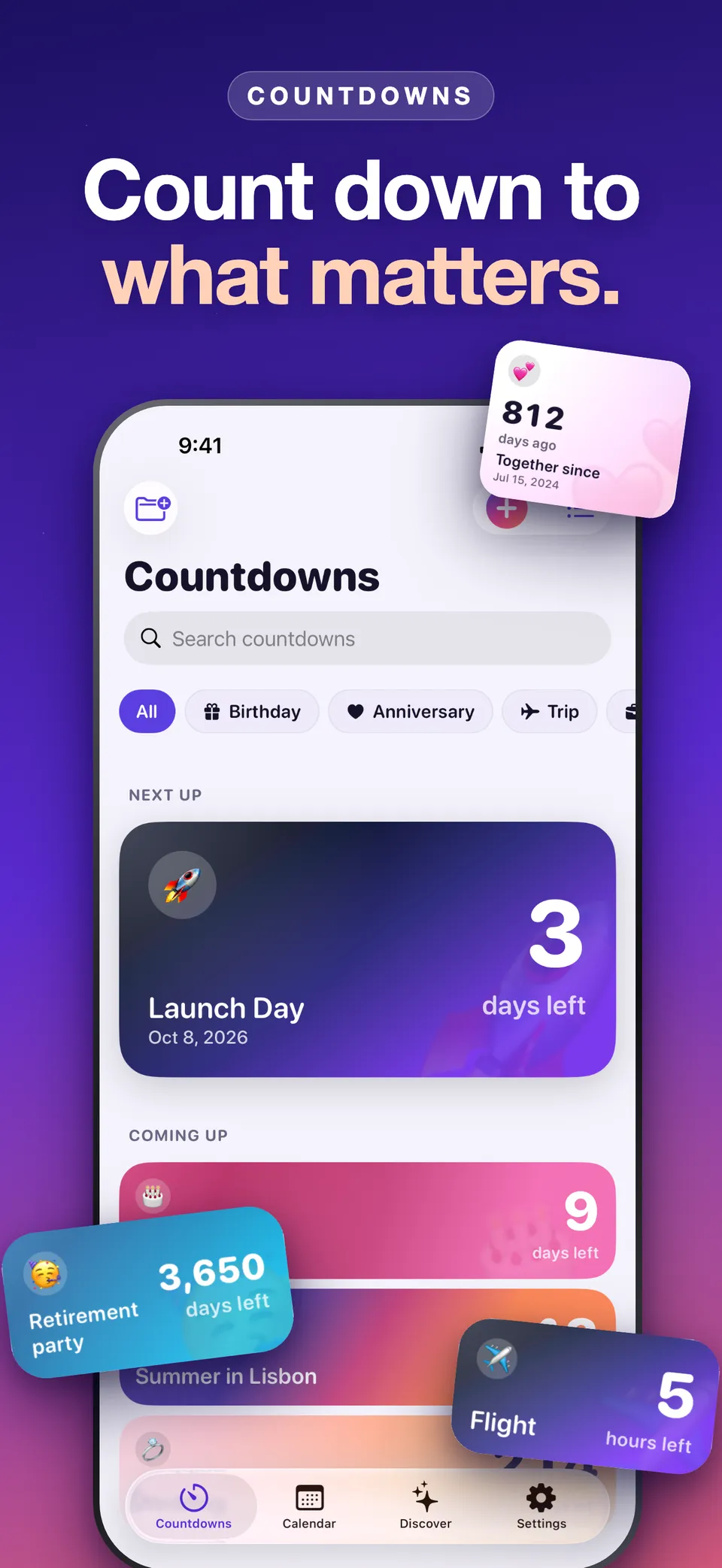
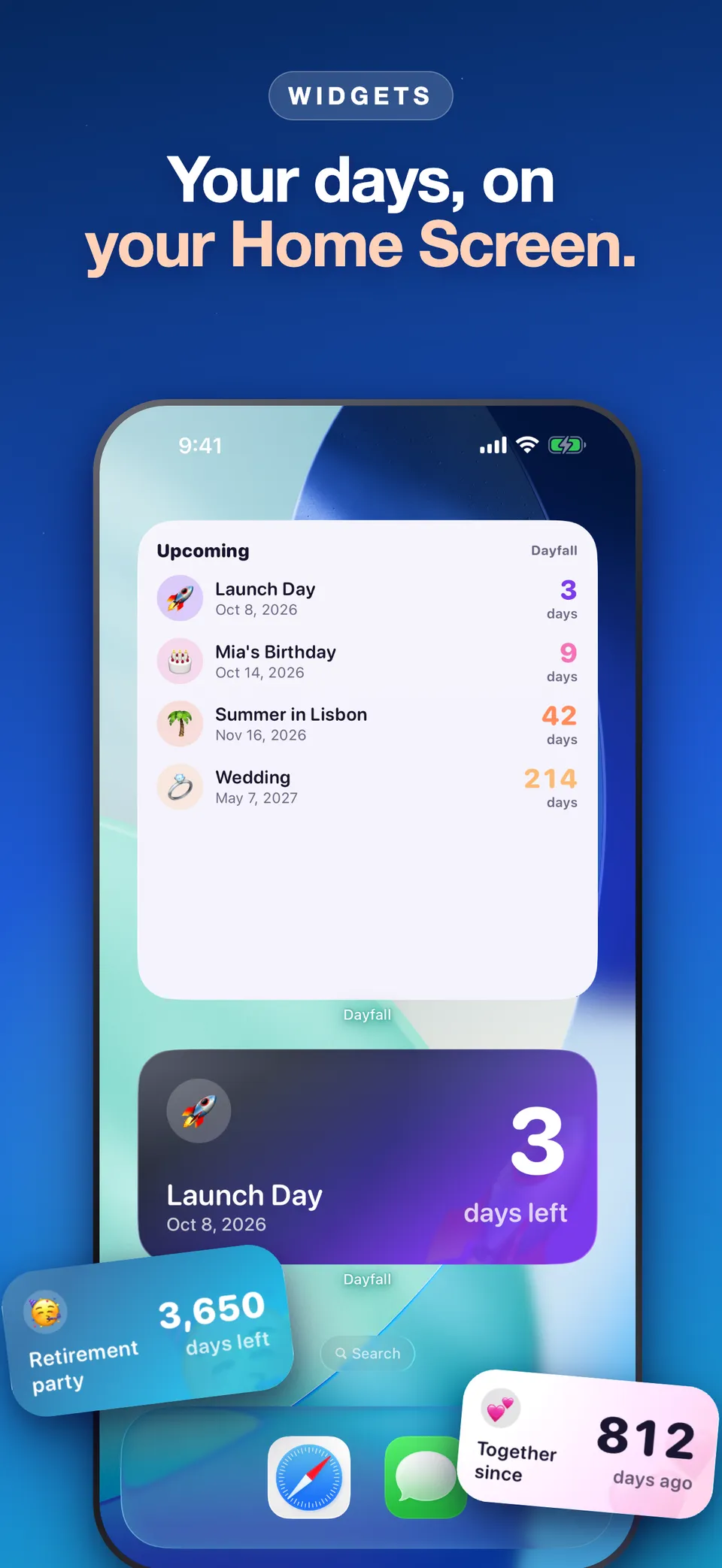
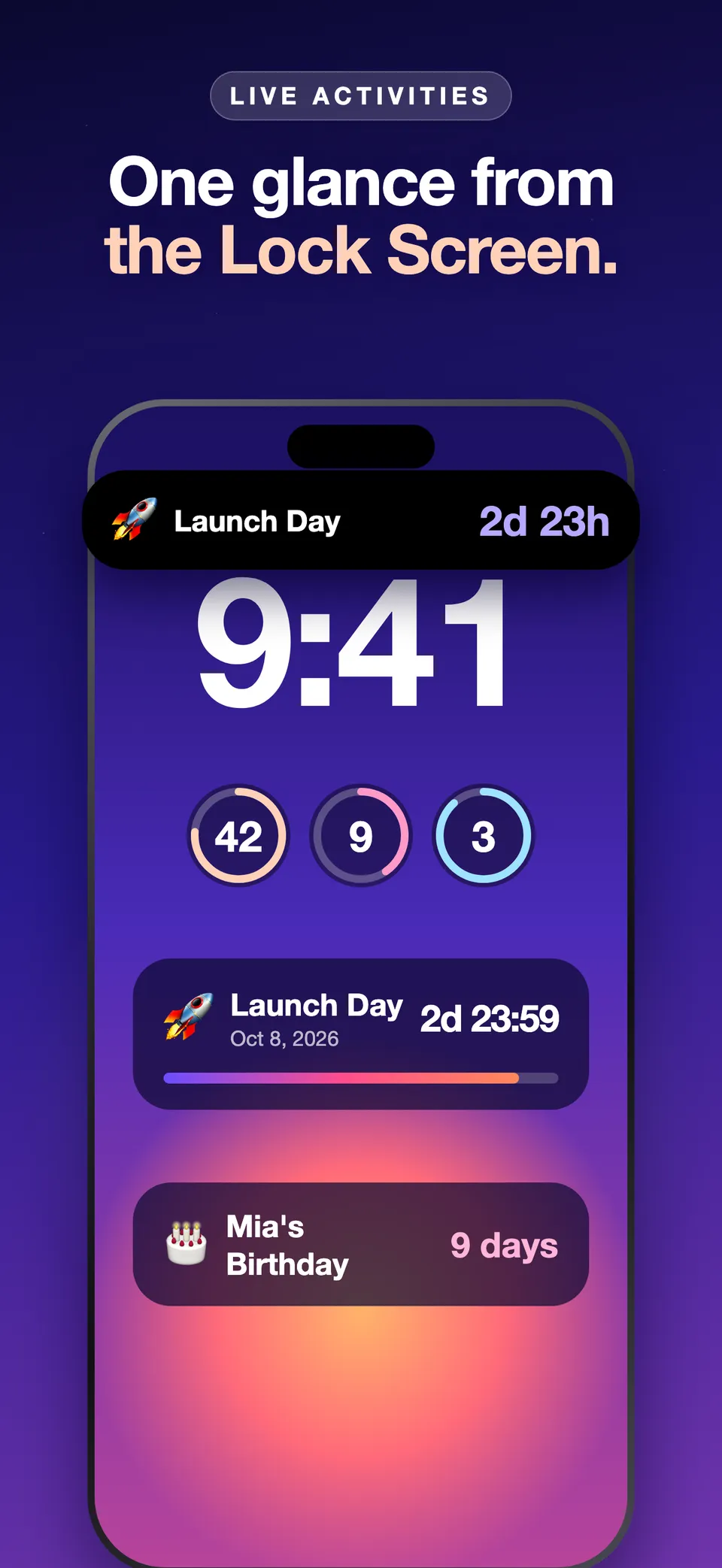
Dayfall turns every date you are looking forward to into a countdown that lives on your Home Screen, Lock Screen, Dynamic Island and Apple Watch. It offers 30 themes, count up and repeating events, milestone alerts, Siri and Shortcuts, shareable cards and story videos, and keeps your data on your devices and in your iCloud with no ads, no account and no tracking.
What is Dayfall?
Dayfall is a countdown app for iPhone and Apple Watch. It turns every date you are looking forward to, a trip, a birthday, a wedding, a launch or an exam, into a countdown that you see wherever you look: on the Home Screen, the Lock Screen, the Dynamic Island and your wrist.
Countdowns everywhere you look
Dayfall supports Home Screen widgets, Lock Screen widgets, StandBy, Live Activities, the Dynamic Island and Apple Watch, including watch face complications. Instead of opening an app to check how many days are left, the number is simply there.
Make every countdown look the way you want
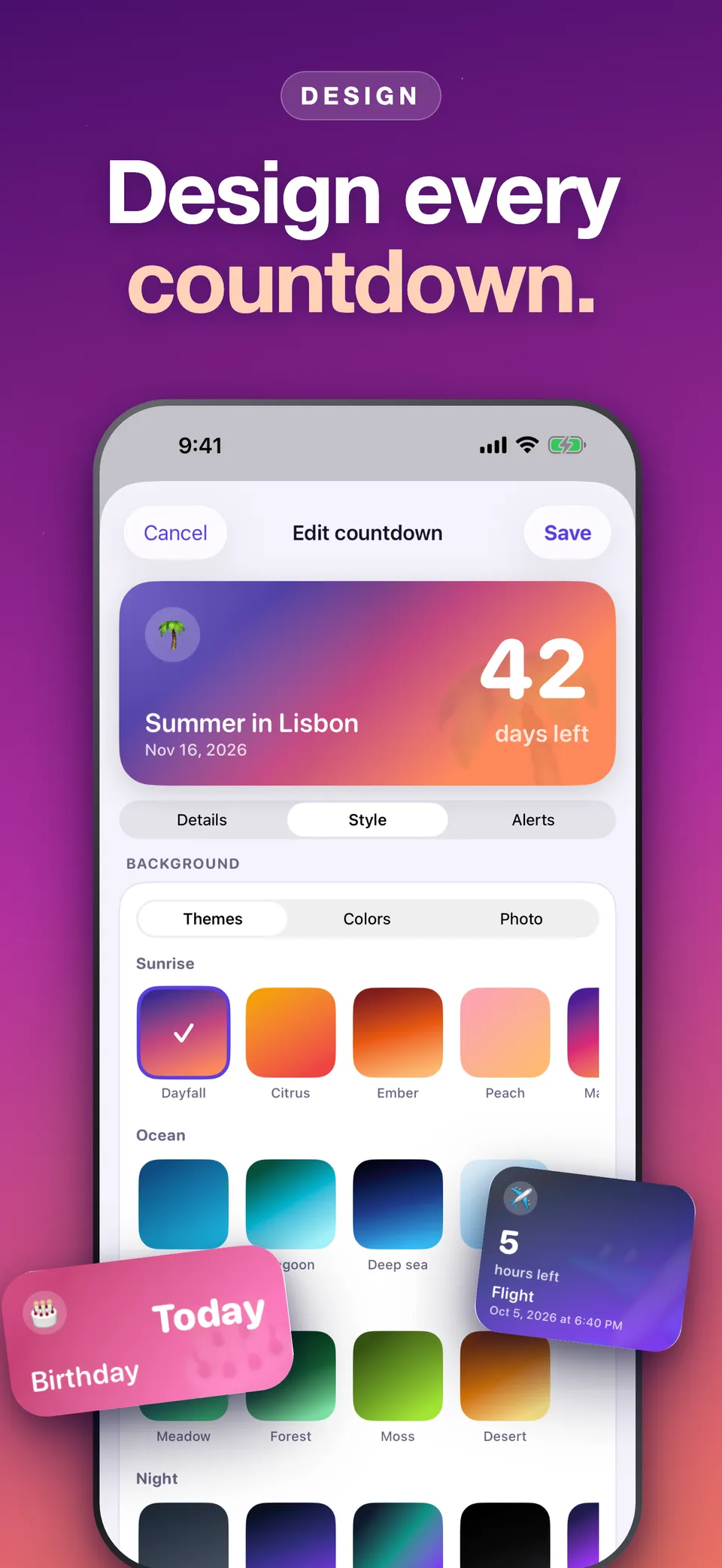
Choose from 30 themes, use your own photos as backgrounds, and pick custom colors, fonts and layouts. Each event can have its own look, so your vacation countdown does not look like your project deadline.
Count down, count up or repeat
- Count down to anything in the future.
- Count up to see the days since a past date, such as a relationship, a habit streak or a move.
- Repeat automatically for yearly events like birthdays and anniversaries, so you set them once.
Milestone alerts
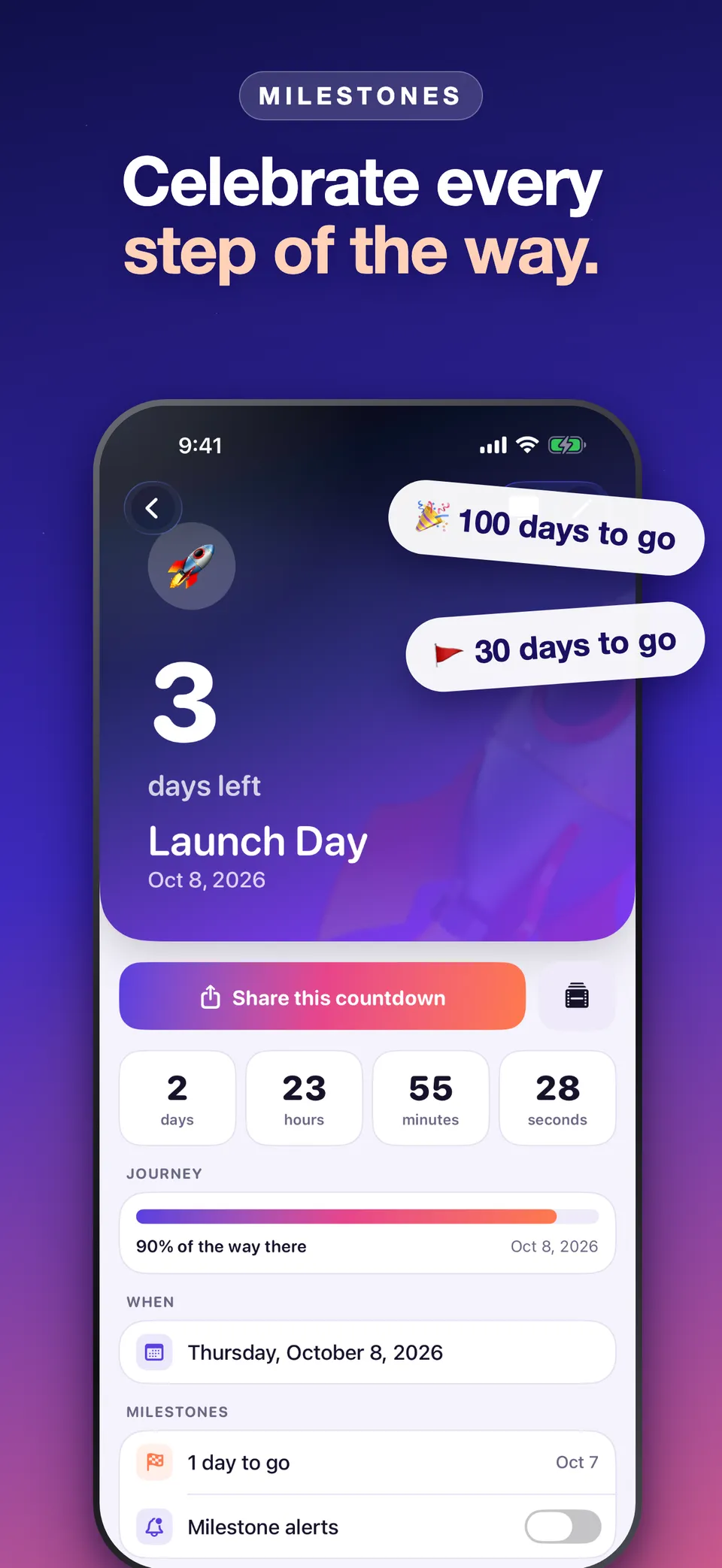
Dayfall can alert you at 100, 50, 30, 7 and 1 days to go, so big dates never sneak up on you.
Siri, Shortcuts and sharing
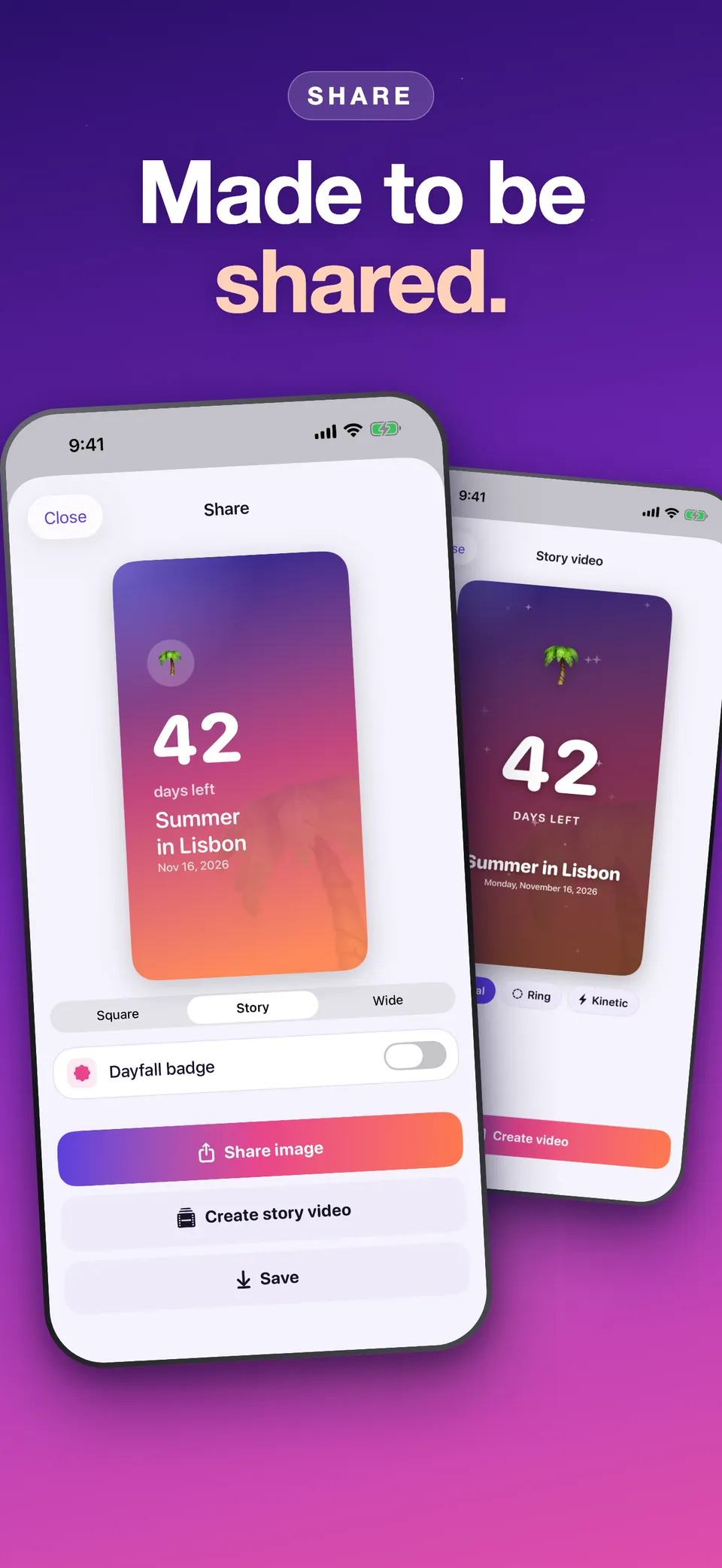
Ask Siri questions like “How long until my trip?”, or use Shortcuts in your own automations. When the excitement needs sharing, export a countdown as a card or a ready-to-post story video.
Private by design
Dayfall has no ads, no account and no tracking. Your countdowns stay on your devices and in your iCloud.
Free and Pro
Unlimited countdowns, count-up, repeating events, the calendar view, small and medium widgets, 6 themes, templates, backup and Siri are free forever. Dayfall Pro unlocks more themes, photo backgrounds, fonts and layouts.
Dayfall is available on the App Store for iPhone and Apple Watch.